








Digital documents that get delivered.
No email attachments. No paper stacks on the desk
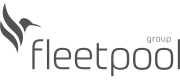
Each employee has their own document folder in Kenjo. HR uploads it, and the employee sees it instantly: in the app, from anywhere.
Personal document folder: Employment contracts, payroll slips, sick notes, driver’s licenses, certificates: all in the right place, linked to the personnel file.
Company documents: Workplace agreements, handbooks, announcements: upload them and select who can see them. By team, location, department, or individual.
Bulk import payroll slips: Upload all payroll slips at once. Kenjo recognizes the employee and automatically assigns each slip to the right folder.
Document created. Now sign it: no printer, no scanner needed
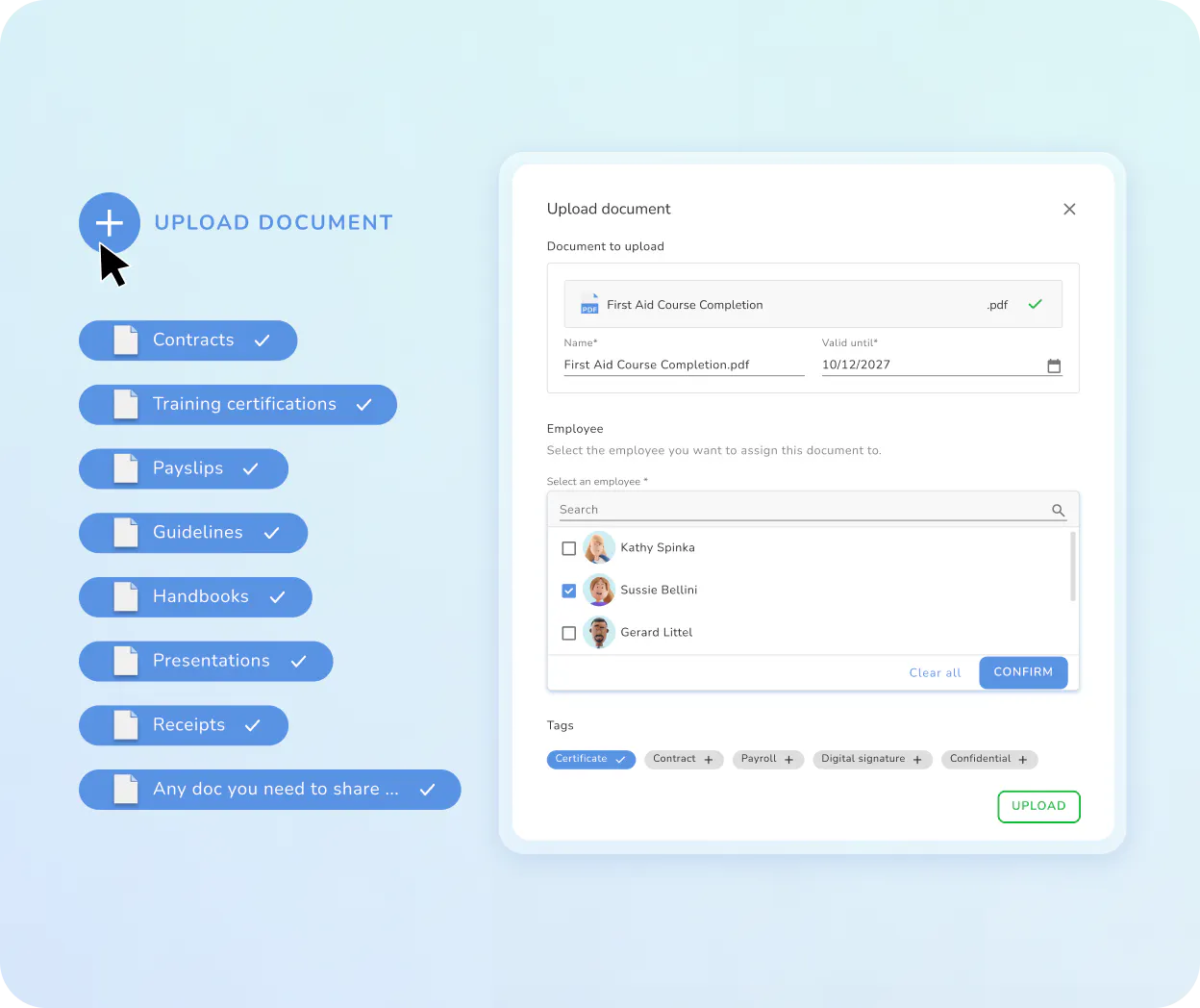
Send documents directly from Kenjo for signatures. Employees sign via the app or browser, from anywhere. No waiting, no mail delays.
No printer, no postage required: Kenjo’s e-signature is Level 2 “Advanced” compliant with eIDAS Regulation (No. 910/2014) and legally valid across the EU. For employment contracts, addenda, and onboarding documents.
Request signatures directly from Kenjo: Select document, define signers, send. Employees sign via app or browser, from anywhere.
Track status live: See at a glance who has already signed and who is still pending. Send reminders with a single click.
Safely stored. Controlled access. Everything traceable.
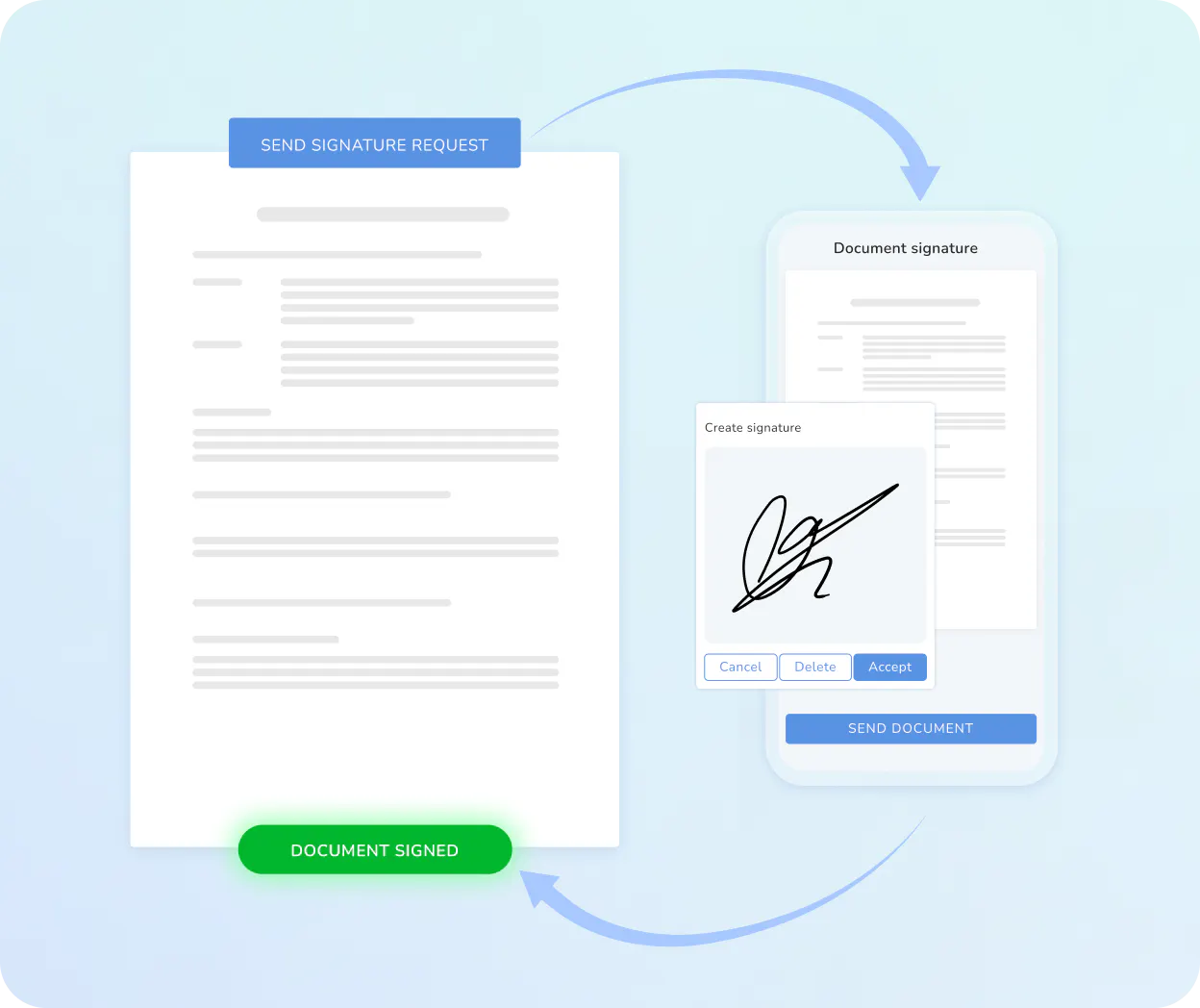
Define visibility per document, document read confirmations, track all changes: Kenjo ensures nothing falls through the cracks.
Document-level access rights: Decide for each document who can see it: individual employees, teams, locations, or the whole workforce. Visibility can be managed for each document, not just for entire folders.
Read confirmations with tracking: Request a read confirmation per document. Kenjo shows you in real time who has confirmed receipt and who is still pending: for individual employees or the entire workforce.
Complete change log: Who uploaded, modified, or viewed which document and when? Kenjo logs everything automatically.

With Kenjo, we have been able to centralise a large part of our HR processes and save up to 30% in time spent on administrative tasks, especially in document management and holiday and absence management.
HR Manager, Friolisa Pomona Iberia
With Kenjo, we have been able to centralise a large part of our HR processes and save up to 30% in time spent on administrative tasks, especially in document management and holiday and absence management.
HR Manager, Friolisa Pomona Iberia
Everything you need for legally compliant HR documents.
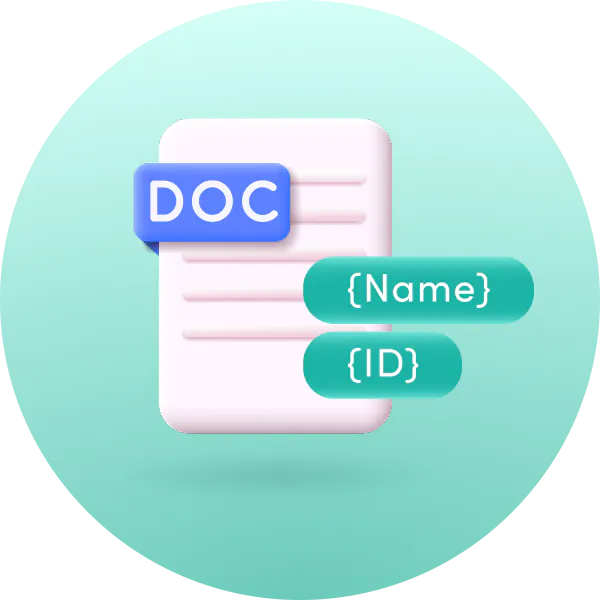
Document templates
Create once, generate individually for each employee.

Tag-based organization
Tag documents for quick search and targeted visibility.

Expiration reminders
Residence permits, driver’s licenses, certificates: Kenjo notifies you 14 days before expiry.

Employee
Self-Service
Employees can view their documents and payroll slips directly in the app.

Bulk import
Payroll slips
Upload all payslips at once. Kenjo automatically assigns them.

GDPR-compliant
hosting
All documents stored on German servers, with regular backups.
That’s not all!
Discover how Kenjo simplifies your HR management
Digital personnel file
Documents need a home: the digital personnel file.
- Personal document folder for each employee
- Bulk-import payroll slips: Kenjo assigns slips automatically
- Expiring documents notified 14 days in advance
Every payslip, contract, and certificate belongs in the employee’s personal document folder. Kenjo’s personnel file keeps everything together, with automatic expiry reminders and bulk import for payroll slips.
Preliminary payroll
Error-free payroll in half the time:
- Automated gross pay: Allowances and overtime calculated instantly.
- DATEV interface: Export your data directly or simply grant your tax advisor access.
- One-click payroll: Send out monthly payroll digitally and instantly to your team.
Save yourself end-of-month stress! Make your payroll simpler and more secure than ever before.
FAQ
What’s the difference between the personnel file and digital documents in Kenjo?

Can I upload my own Word templates into Kenjo?
Which placeholders can be used in document templates?
How does document visibility for company documents work?
Can employees upload their own documents?
How do I request a read confirmation for a document?
Are electronic signatures in Kenjo legally valid in Germany?
What happens if an employee does not provide a read confirmation?