
Digital Personnel File Software
Personnel files that make your team's life easier.
Piles of paper folders, scattered drives, endless email chains: Enough is enough. Kenjo brings all employee data securely into one place.





Less paperwork. More oversight. Your digital personnel file.
Master data that's always correct. No emailing, no searching, no follow-ups.
Kenjo brings all employee data into a structured profile. HR management, done. Time to clock out.
Structured employee profile: All data organized by sections: Personal, Employment, Address, Financial, Emergency contacts, and confidential information.
Custom fields: Add company-specific fields to the personnel file. Only the data you really need.
Complete audit log: Every data change is automatically saved. Who changed what, when: you’ll always see it.
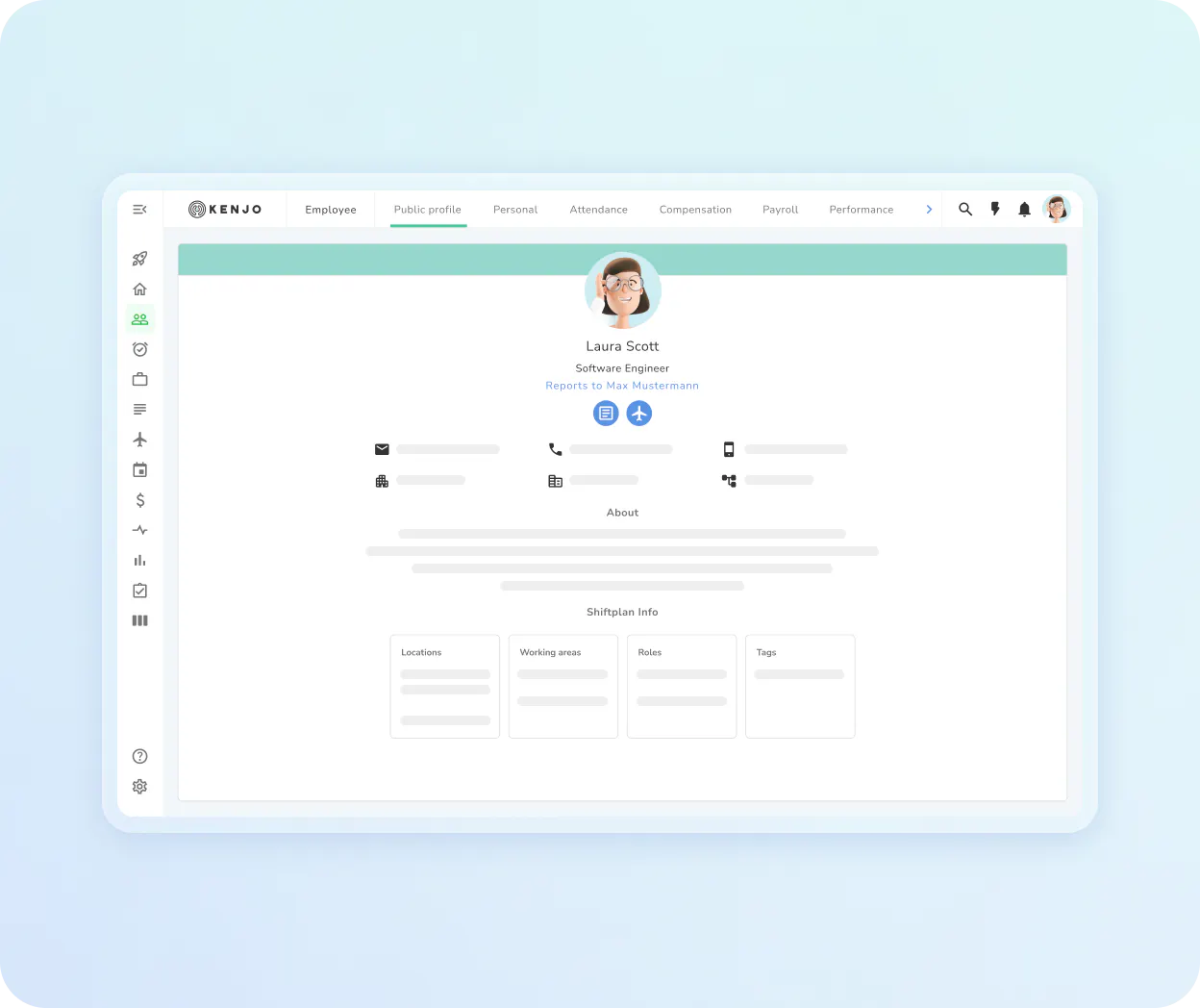
No prying eyes on sensitive data. Each person sees exactly what they should.
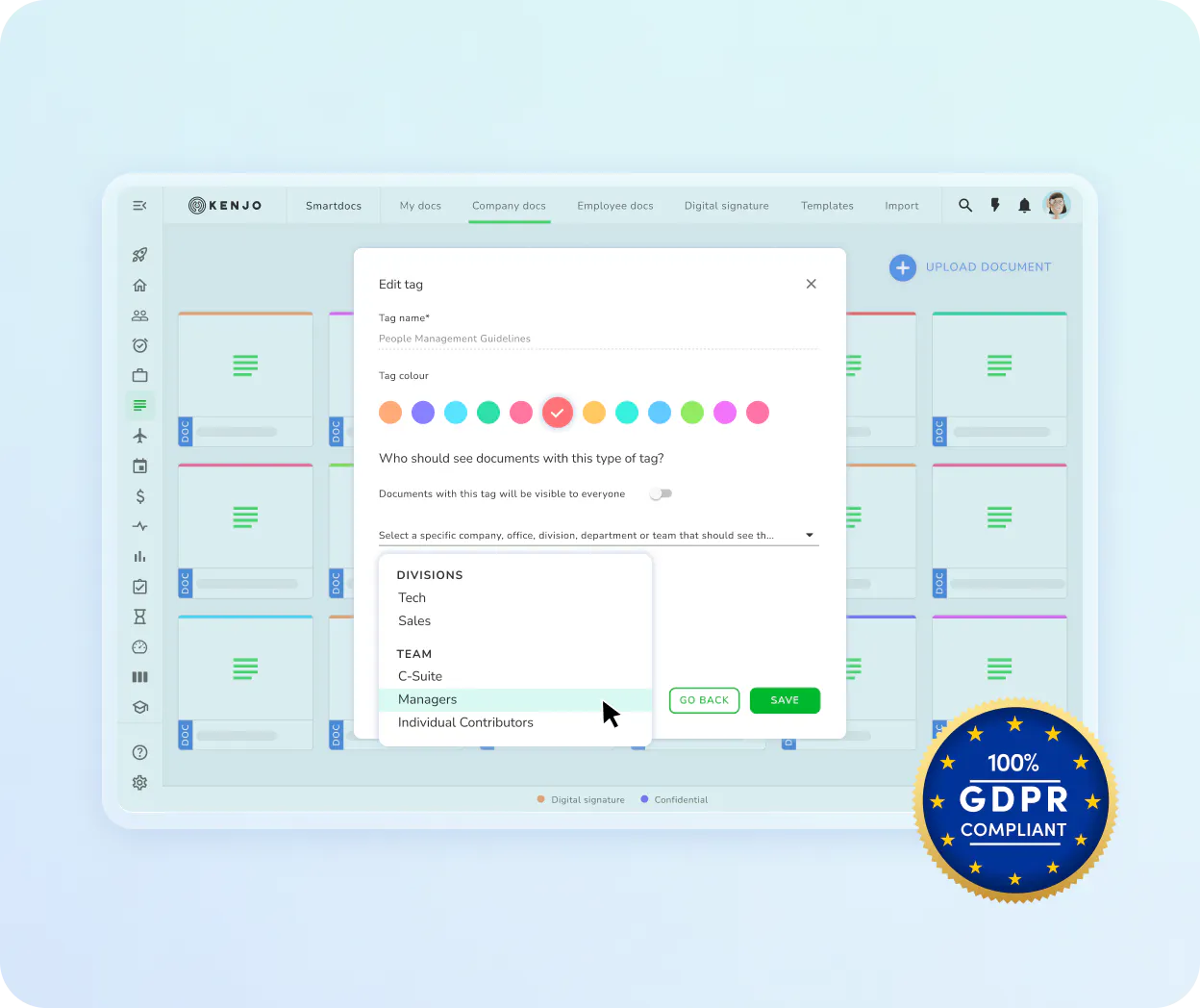
Granular permissions for every role. Confidential fields for HR only. GDPR-compliant from day one.
Role-based access rights: Decide who can view or edit which data. By area, by field.
Confidential sections: Salary data, medical history, internal notes: only visible to roles you grant access.
GDPR-compliant hosting: All data on German servers. With 6-hour backup and incident response protocol.
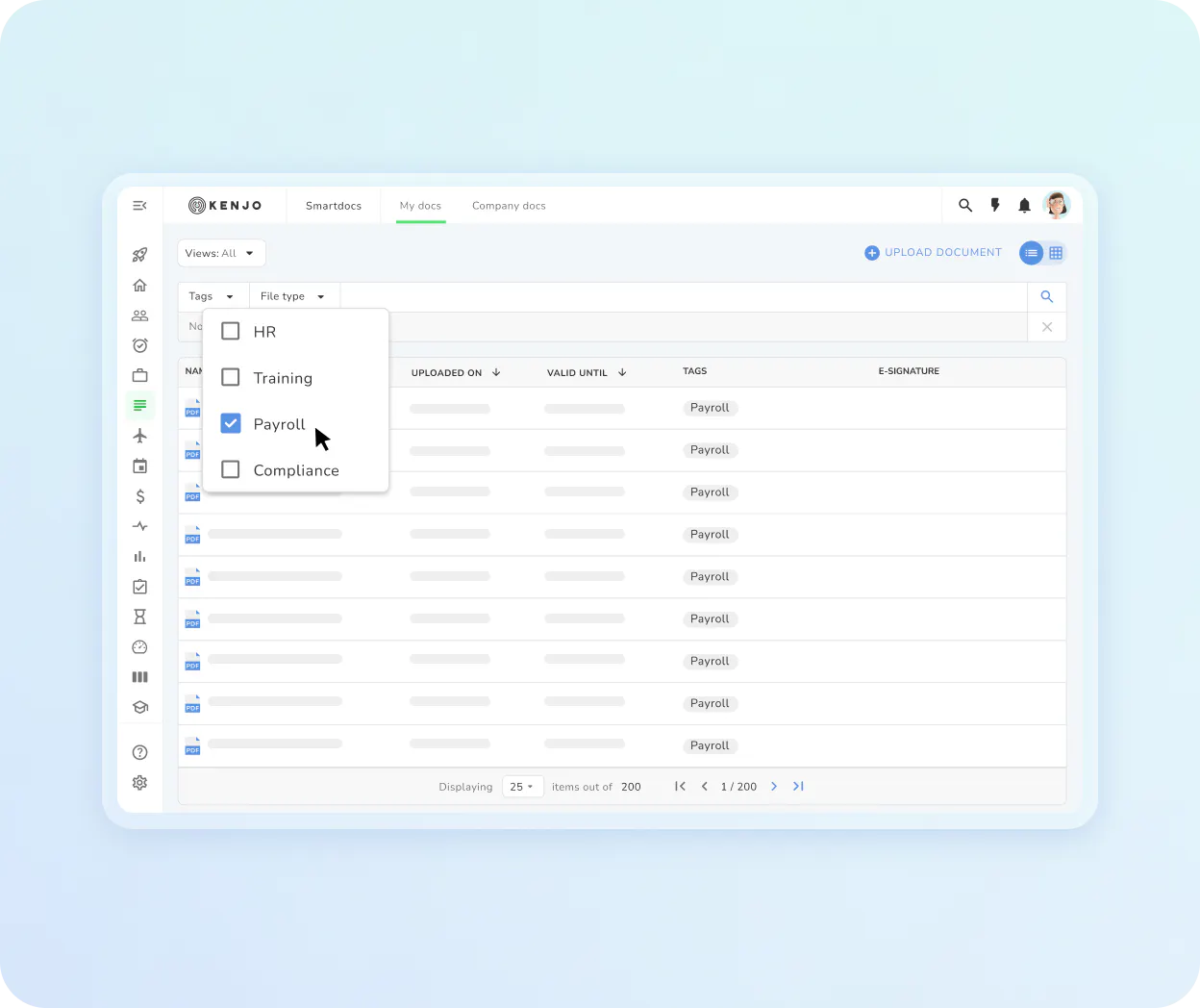
Every document in the right place. No more attachments lost in your inbox.
Payroll statements, contracts, certificates: attached right to the employee's profile. Easily accessible for HR and employees alike.
Company documents and personal folders: Company-wide documents for all employees, personal folders for individual files. Kenjo keeps them clearly separated.
Personal document folder: Link documents directly to the employee profile. Accessible for HR or the employee themselves.
Bulk upload payroll statements: Upload all salary slips at once. Kenjo automatically assigns them to the correct employee.
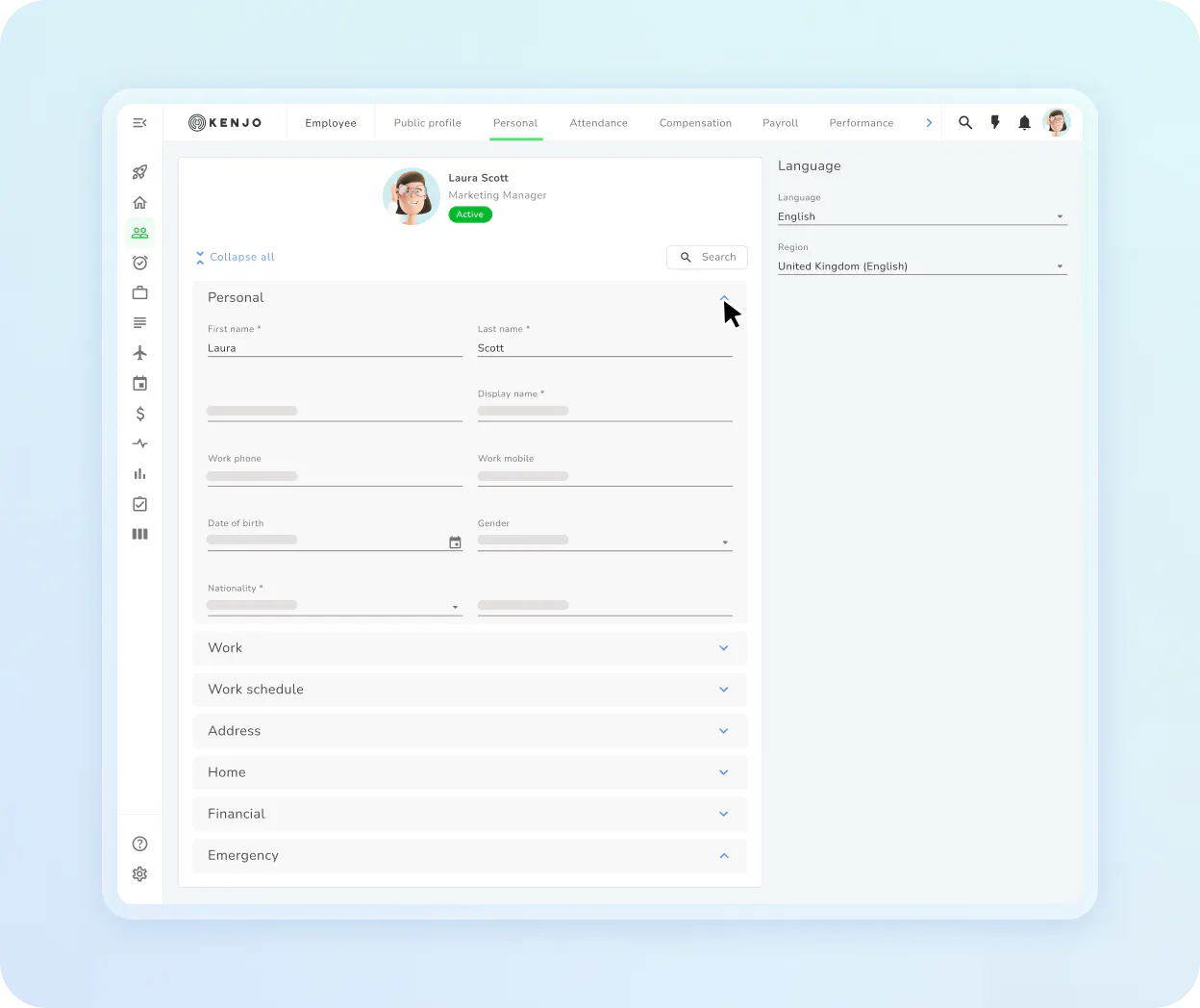
Employees manage their own data. Your HR team gets back hours.
Addresses, bank details, emergency contacts: employees update it all themselves. Directly via app.
Employee data management: Employees keep their master data up to date. You approve changes. No more back-and-forth emails.
Absence certificates via app: Upload sick notes, special leave, or parental leave certificates directly by smartphone. No printing, no chasing.
Pay stubs on your smartphone: Employees can view their payslips anytime in the app.
Everything you need for a complete personnel file
Audit Log
Every change to data is automatically recorded.
Custom
Fields
Tailor the personnel file to your company.
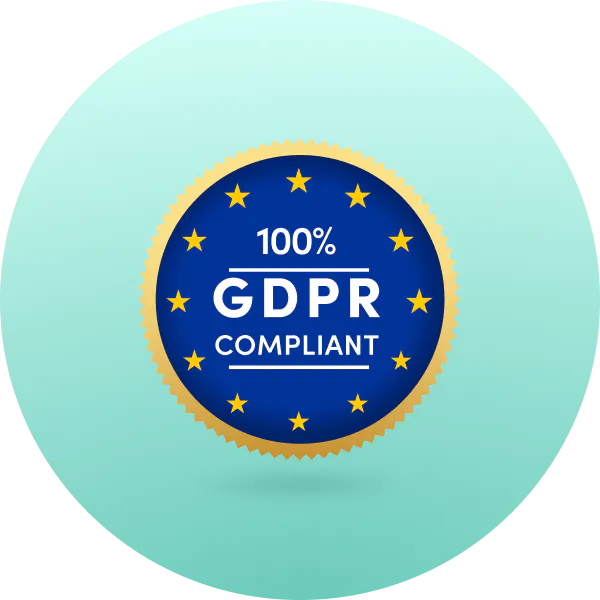
GDPR-compliant
Hosting
All data on German servers. With regular backups.
Tax Advisor
Access
Give your tax advisor access to relevant data. Without full admin rights.

Employee
Self-Service
Employees update address, bank details, and emergency contacts themselves.

Multi-Entity
Support
Separate data for multiple companies. All in one platform.
That’s not all!
Discover how Kenjo simplifies your HR management
Digital Documents
Create templates, send documents, collect signatures: all digitally.
- Document templates with automatic placeholders from the personnel file
- Digital signature via e-signature (Signaturit integration)
- Read receipts for important documents
FAQ
What belongs in a digital personnel file?

When is a digital personnel file worthwhile?
Is a digital personnel file mandatory in Germany?
Is a digital personnel file GDPR-compliant?
Can employees view and edit their own data?
How do I import payslips for all employees at once?
Can I set access rights for different roles individually?
How are expiring documents like visas or certificates managed?