









Time tracking software that saves you time
Clock in from anywhere, without the chaos
Say goodbye to paper timesheets. Digital clock-ins where you need them
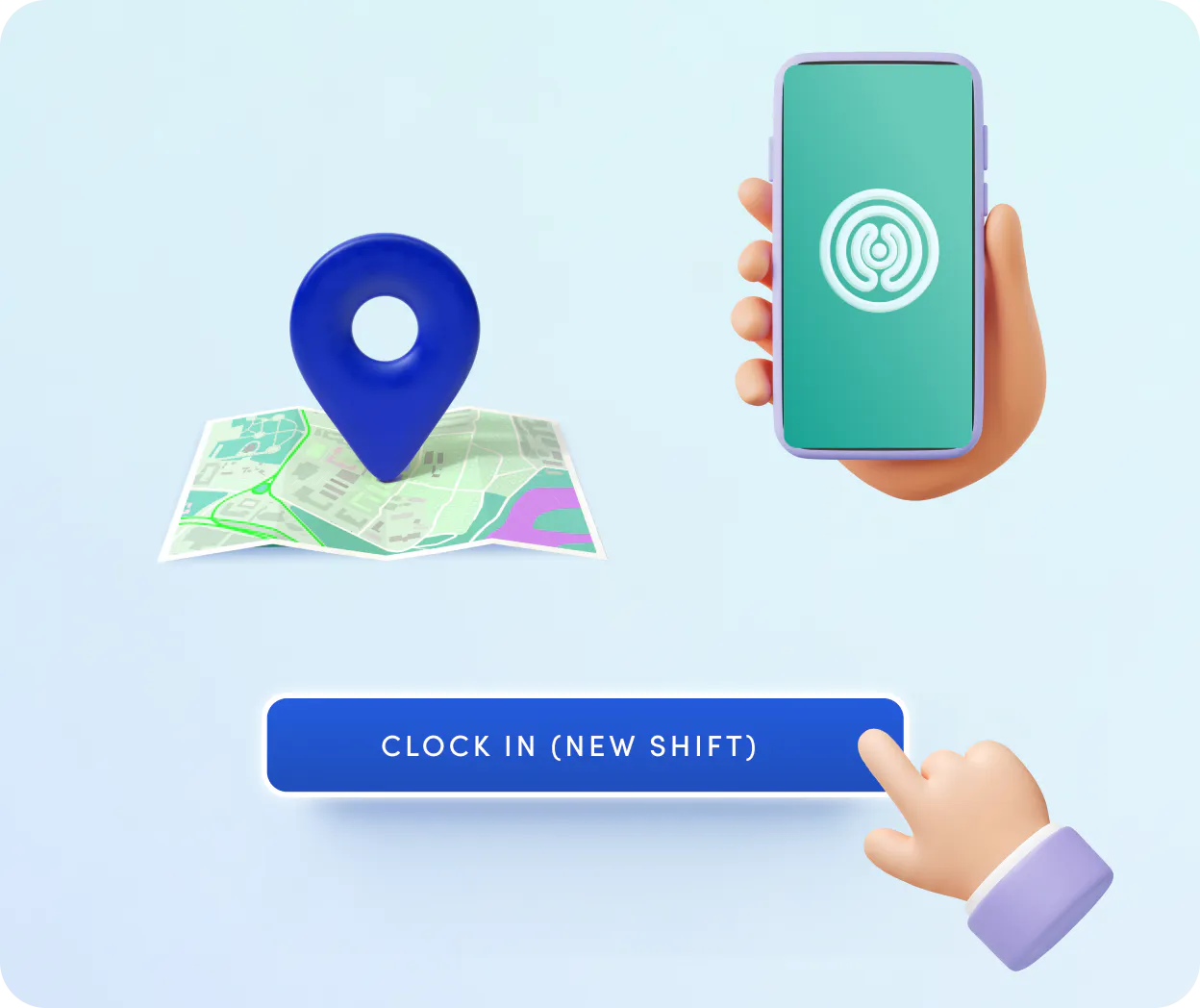
Flexible methods for every team. Office workers check in via desktop, while deskless staff use the mobile app or tablet kiosks with PINs and QR codes.
Secure geolocation-based blocking to prevent time theft. Set a radius around the workplace, so employees can only clock in on-site.
Hardware integrations work with your existing physical terminals. Kenjo integrates with partners like Easy Secure and imports time-stamps into Attendance.

Stop chasing down missing hours and start managing people
Automate away the time you spend checking attendance records
Conflict management for time entries keeps you legally sound. Get instant color-coded warnings if an employee violates rest periods, exceeds maximum daily hours, or clocks in during a holiday.
Automatic break deductions reduce how often your employees have to stamp. Configure policies that automatically subtract mandatory breaks after a set number of hours to stay within legal limits every day.
Automated check-out for when an employee forgets to check out. Smart controls automatically log employees out after a predefined number of hours.

A time-tracking system that knows your company
Connected to all the workforce management tools you need
Universal schedule coverage lets you accurately track time for your entire workforce in one system. Define fixed schedules for standard 9-to-5ers, and shiftworkers' time syncs directly with Kenjo’s Shiftplan.
Automated absence sync keeps your data remains clean. Approved leaves, holidays, and sick days sync directly with attendance records to prevent conflicting time entries or accidental clock-ins.
Payroll Prep centralizes all hours worked and wages into one dashboard while automatically calculating surcharges for night shifts, weekends, and holidays. Transfer to DATEV or export and send to your tax advisor.

No more chasing forgotten clock-outs
Manual time entries with a built-in approval process
Employees and managers can add or edit time entries – ideal for trust-based working hours or when someone forgets to clock out.
Security stays intact. Admins attach an approval workflow so every manual change requires manager sign-off before it counts.
Approvals without the bureaucracy. The approval process runs entirely inside the system – no email chains, no paper trails.
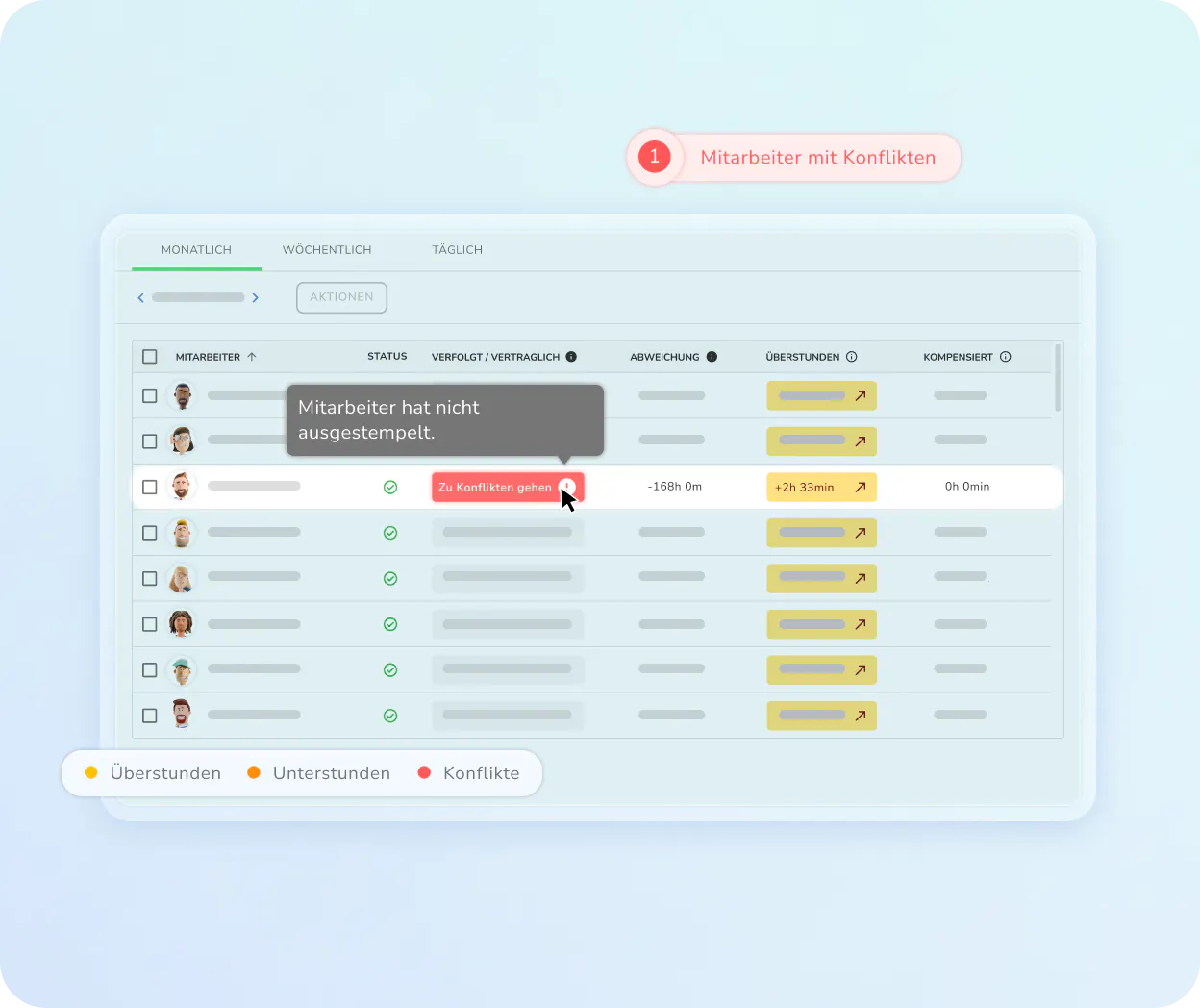
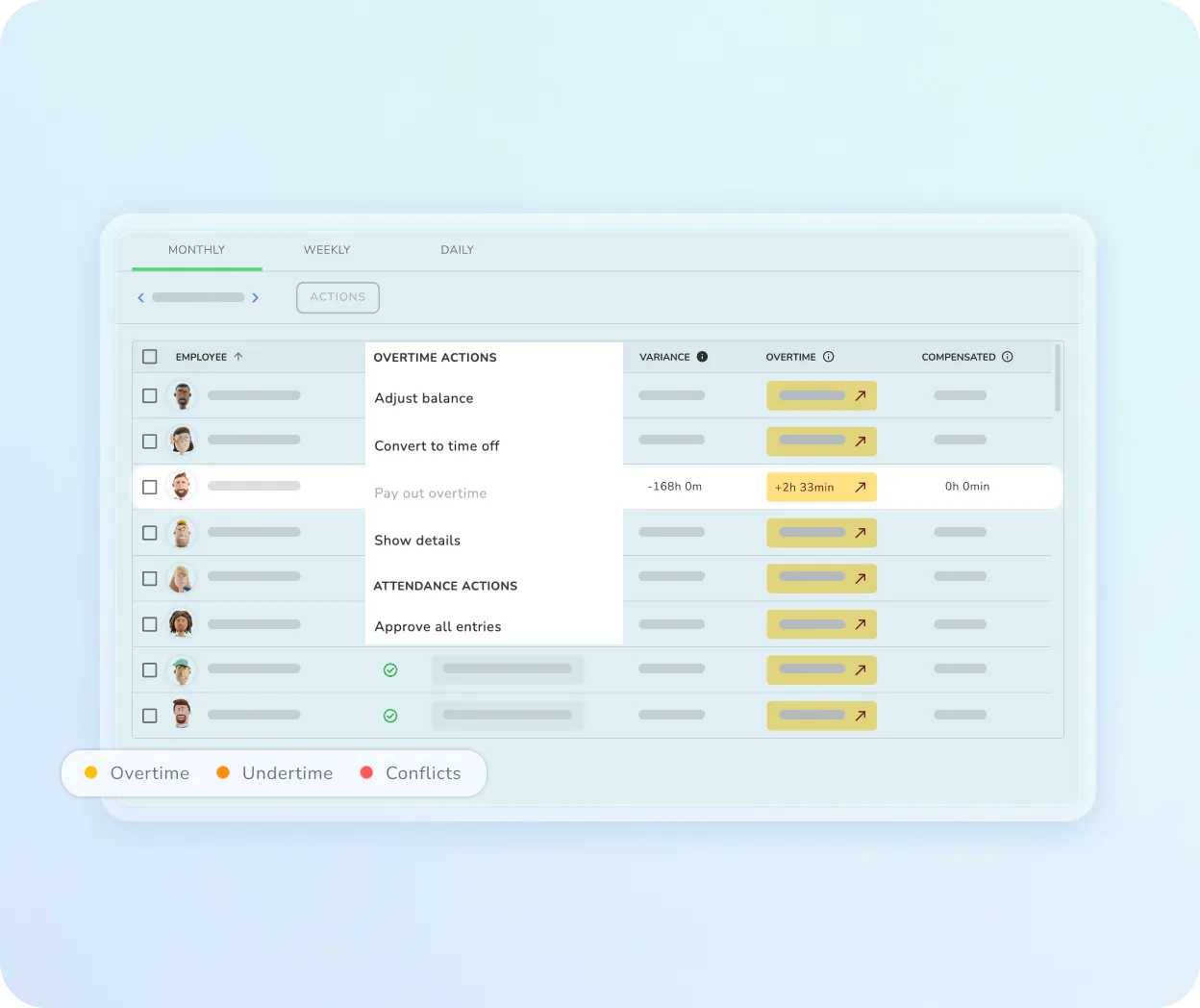
Overtime under control – in real time
Transparent overtime balance for employees and managers
The system automatically calculates the gap between contracted hours and hours actually tracked – visible to both sides at any time.
Managers decide directly in the dashboard: pay out overtime or convert it into time-off – in a few clicks, no detours.
No nasty surprises at month-end. The overtime balance stays current so you steer early instead of correcting after the fact.
Stop early clock-ins from inflating your payroll
Check-in limitations prevent time inflation automatically
Admins set exactly when employees are allowed to clock in – preventing shift workers from extending paid hours by arriving early.
Fully configurable. Allow clock-ins up to 15 minutes before shift start, but ensure paid time only begins at the official shift start time.
Automatic conflict detection. If someone clocks in outside the permitted window, it's instantly flagged as a visual conflict – no manual monitoring needed.

Success Stories
People managers love Kenjo
We chose Kenjo because we wanted a workforce management software with a highly sophisticated, integrated time tracking module
Anna-Lenna Schütz
,Head of People, KAPHINGST
Everything you need for precise attendance

Multi-Device
Sync
Your team clocks in from any device, anywhere, and it syncs in real time.

Real time
presence map
See exactly who is currently working and where they are located.

Custom
Policies
Create different tracking rules for various departments, locations, or employee groups.

One click
approvals
Managers can review and approve entire monthly, weekly or daily timesheets for their whole team instantly.

Attendance
categories
Track exactly how time is spent by letting teams categorize hours by project or task for deeper operational insights.
Digital
audit trail
Store all historical time data to remain fully prepared for any labor office audits.
Kenjo can do even more!
Discover how Kenjo simplifies your workforce management
Shift planning
Schedules that make you (and your team) happy:
- Create and publish complex shift plans in seconds with templates or AI.
- Your staff submit availability on their phones and get instant notifications for new shifts and schedule changes.
- Automatically block double-bookings and labor law violations.
Build smarter rotas, eliminate staffing gaps, and keep your entire workforce in sync.
Kenjo Time Tracking Software FAQ
Does the software support geolcation-based clocking?

How are night and weekend surcharges calculated?
Can time-tracking prevent labor law violations?
What clocking methods are available for deskless workers?