
Org Chart Software
An org chart that truly reflects the way your company looks.
No searching, no asking around: Kenjo gives you and your team a clear view of your company structure at a glance.








How the Org Chart Helps You Every Day
No more explaining your org chart in every one-on-one.
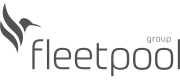
Search for a name or a position and instantly see where a person is located.
Find instantly. Enter a name or job title: after just two letters, Kenjo shows you all matching results.
Highlighted directly in the org chart. The relevant employee card is highlighted in the chart, outlined in blue, and instantly visible.
For your whole team. Anyone with access to the org chart can look it up themselves instead of asking you.
Plan a new department before you've hired for it.
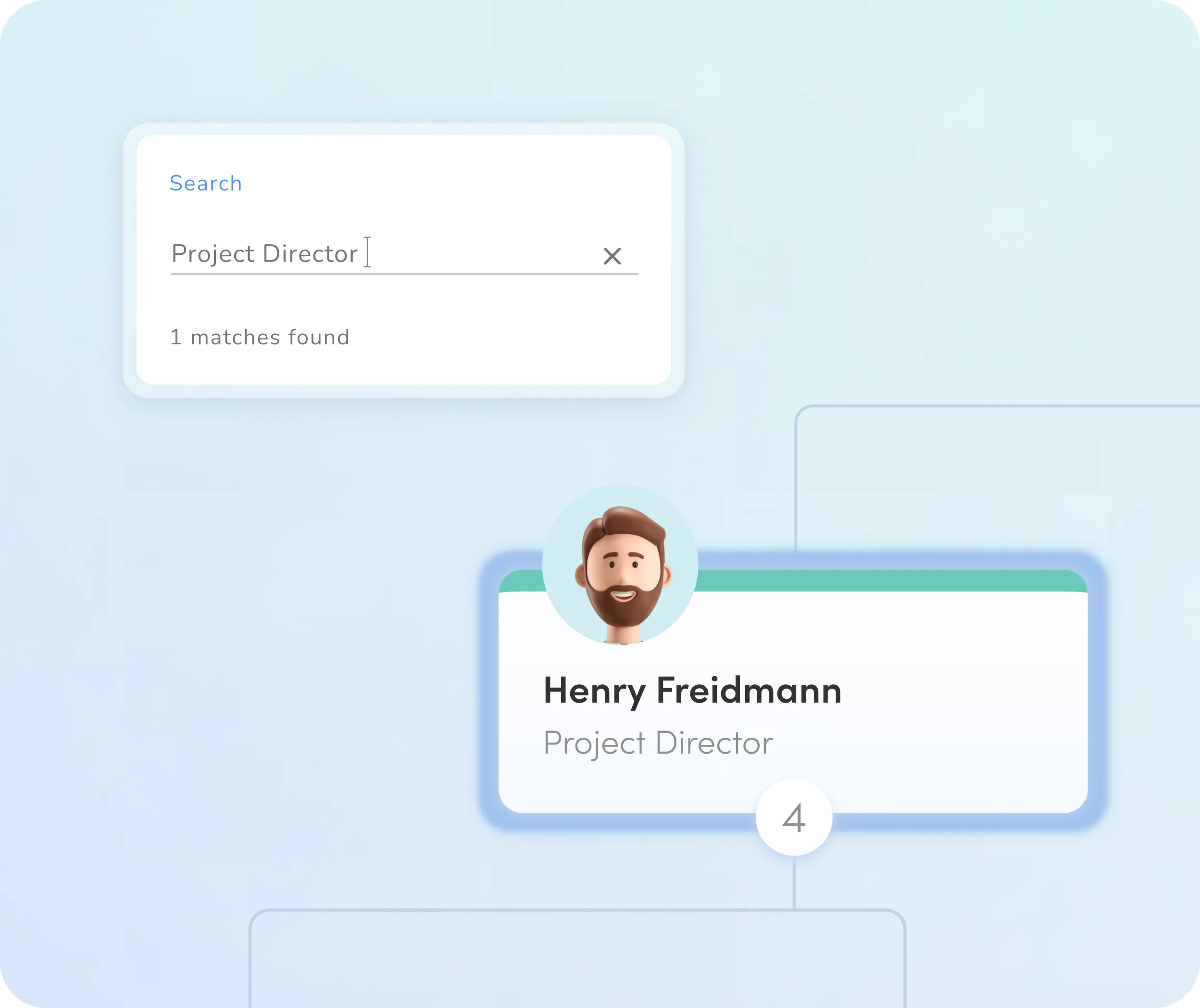
Create a custom org chart view with roles that don't even exist yet.
Create your own views. Admins can create additional org chart views and arrange employees however they like.
Plan open roles. Add planned or unfilled roles and teams as placeholders to make upcoming changes visible.
Controllable access. You decide who can create, edit, or view custom views.
Show your org chart to anyone—with or without Kenjo access.
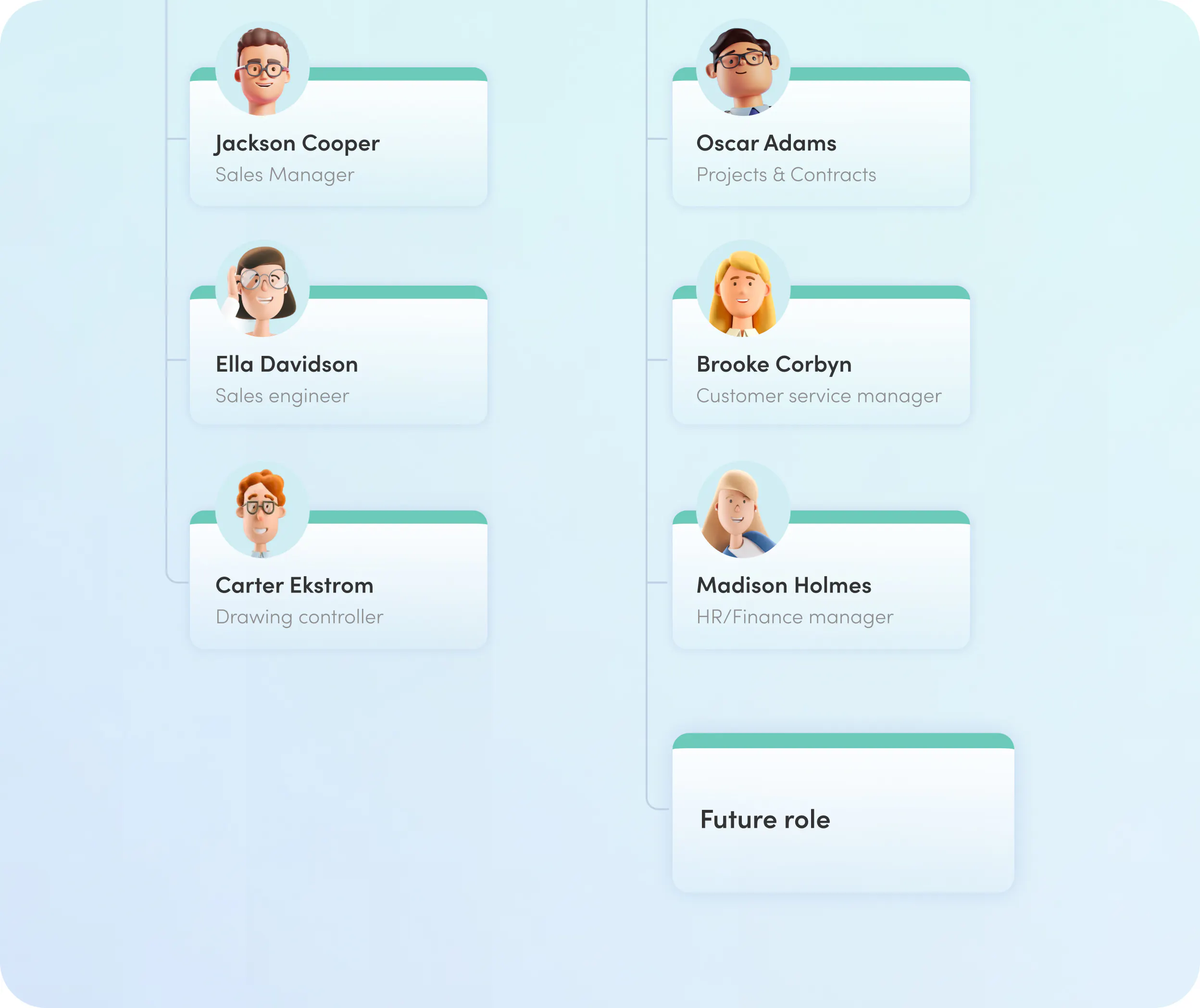
Export as SVG or PDF and share wherever you need it.
Two export formats. Export your org chart as SVG or PDF.
Usable outside Kenjo. Present it in meetings, post it on a wall, or share it by email—no Kenjo login required.
Always the latest version. Export a new version whenever the structure changes.

With Kenjo, we were able to centralize most of our HR processes and save up to 30% of time on administrative tasks, especially when managing documents and handling leave and absences.
HR Manager, Friolisa Pomona Iberia
With Kenjo, we were able to centralize most of our HR processes and save up to 30% of time on administrative tasks, especially when managing documents and handling leave and absences.
HR Manager, Friolisa Pomona Iberia
Everything else your org chart can do
Automatically created
Your org chart builds itself automatically from your HR data.

Custom
views
Create additional views and arrange employees freely.

Plan
roles
Add unfilled or planned roles as placeholders.

Search by
name or position
Find any employee in seconds.

Access
control
Decide who can see the org chart and who can create custom views.
Export as
SVG or PDF
Share your org chart outside Kenjo too.
That's not all!
Discover how Kenjo simplifies your Workforce Management Software
Digital Employee File
Documents need a home: the digital employee file.
- Individual document folder for every employee
- Bulk import of payrolls: Kenjo assigns them automatically
- Expiring documents are flagged 14 days in advance
Every payslip, contract, and certificate belongs in each employee's personal document folder. Kenjo's employee file keeps everything in one place, with automatic expiry reminders and bulk import for payroll documents.
Preliminary Payroll
Error-free payroll in half the time:
- Automated gross payroll: bonuses and overtime are calculated automatically.
- DATEV interface: export your data directly or simply give your tax advisor their own access.
- One-click paystubs: send monthly payroll statements to your team digitally and in a flash.
Save yourself the month-end stress! Make your payroll as easy and secure as ever before.